




Guest Access Cards
Guest access cards provide temporary facility access for visitors without requiring full customer accounts. Perfect for contractors, delivery personnel, or short-term visitors.
Overview
Guest cards are simplified access cards that allow temporary entry without the complexity of customer accounts or billing relationships.
🚀 Quick Setup
No customer account required. Create and deploy guest cards in minutes.
⏱️ Time-Limited
Set specific validation and expiration periods for controlled access.
🔒 Secure
Full access control with zone restrictions and monitoring capabilities.
Supported Card Types
Guest cards support multiple formats to accommodate different access scenarios.
📱 QR Code (Dynamic)
Time-based one-time password QR code that changes periodically. Ideal for short-term guest access with remote management capabilities.
📄 QR Code (Static)
Fixed QR code that does not change. Perfect for printed guest passes or when offline access is required.
� RFID
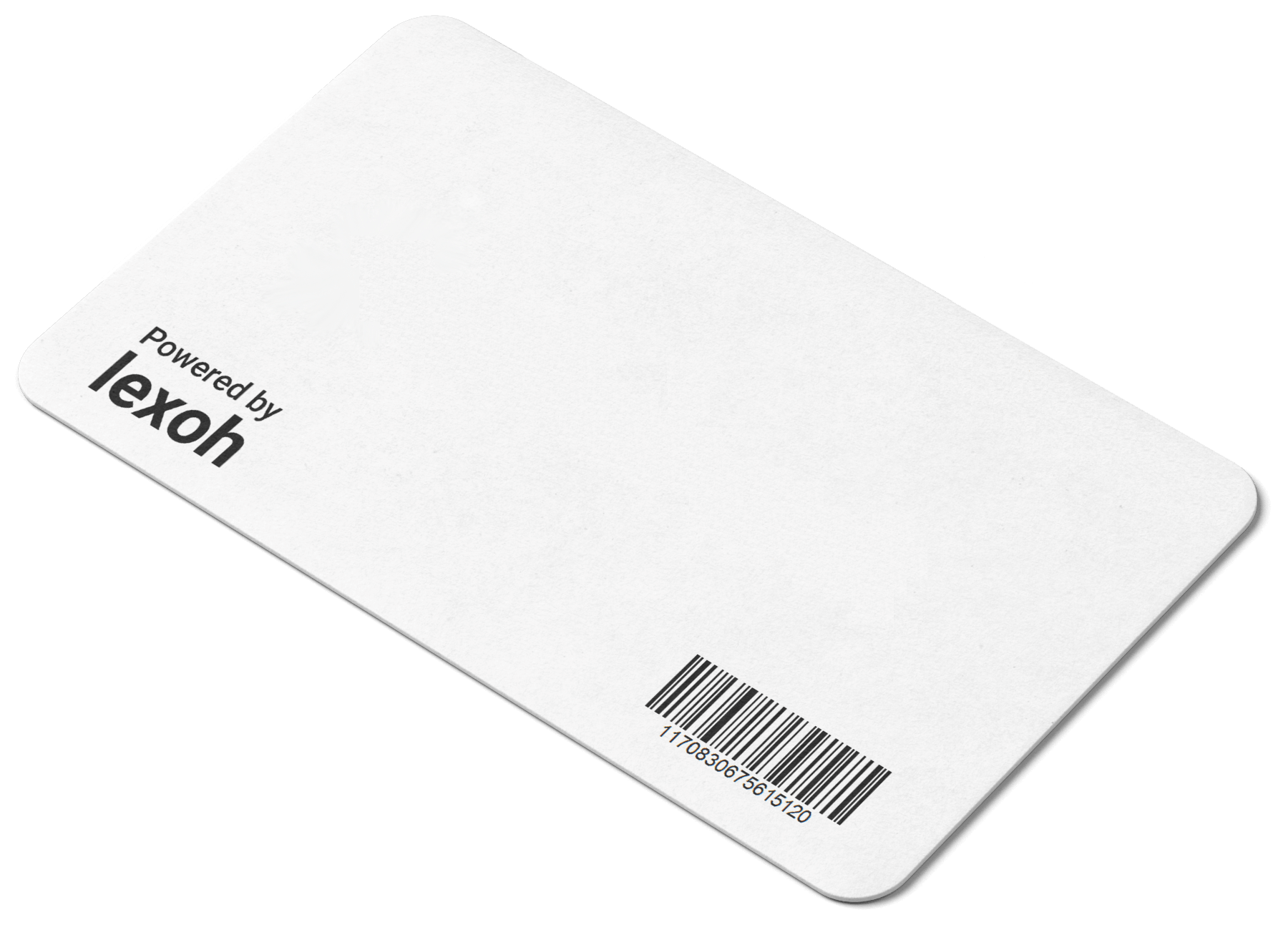
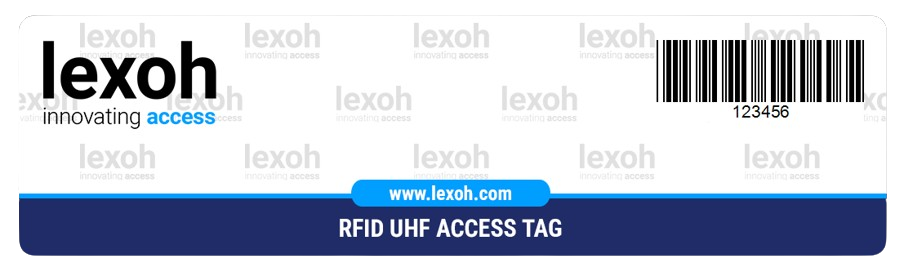
Physical RFID card or fob for tap-based access at readers.
🚗 License Plate (LPR)
Access granted based on license plate recognition — no physical card required.
Creating Guest Cards
Follow this streamlined process to create guest access cards quickly and efficiently.
1 Basic Information
Status
Set card as Active or Inactive
Card Type
Choose from QR (Dynamic/Static), RFID, or License Plate (LPR)
Username
Optional identifier for the guest
No Account Required
Guest cards work without customer association
2 Time Configuration
Validation Date
When the guest card becomes active
Expiration Date
When the card expires automatically
Time Precision
Set specific hours for activation/expiration
3 Deploy and Distribute
Save Configuration
Complete basic setup and save
Optional Advanced Settings
Configure zones, time restrictions if needed
Distribute
Send via SMS, email, or print
Access Management
Configure access controls and restrictions for guest cards to maintain security while providing necessary access.
🕒 Time Restrictions
| Setting | Description |
|---|---|
| Daily Hours | Restrict access to specific hours (e.g., 8:00 AM - 6:00 PM) |
| Days of Week | Allow access only on specific weekdays |
| Date Range | Set validation start and expiration dates |
| Usage Limits | Limit total number of entries or vehicles |
🗺️ Zone Management
- Selective Access - Grant access only to specific facility zones
- Multiple Zones - Allow access to multiple zones simultaneously
- Zone Inheritance - Automatically inherit zone-specific time restrictions
- Priority Zones - Configure priority levels for different areas
Guest Card Distribution
Multiple delivery options to get guest access cards to visitors quickly and securely.
📱 SMS Delivery
Send QR codes directly to guest mobile phones for immediate access.
- Instant delivery
- No app required
- Works on all phones
📧 Email Distribution
Email cards with QR codes and detailed access instructions.
- Includes instructions
- Professional presentation
- Easy forwarding
🖨️ Print & Handout
Print guest passes on paper or card stock for physical distribution.
- No phone required
- Thermal printer support
- Professional appearance
👛 Google Wallet
Generate a Google Wallet pass for the access card, allowing guests to store it directly on their phone.
- Always accessible on phone
- No separate app needed
- Easy tap-to-access
Guest Activity Monitoring
Track guest card usage and monitor facility access with comprehensive logging and filtering capabilities.
📊 Advanced Filtering
Date Ranges
Last visit, entry, exit dates
Status Filter
Active/inactive cards
Zone Activity
Last visited zones
Current Status
Currently inside facility
📋 Export Capabilities
- Excel Export: Full guest activity data with all applied filters
- Date Ranges: Export specific time periods for analysis
- Filtered Data: Export only cards matching specific criteria
- Usage Reports: Generate reports for security and compliance
Troubleshooting Guest Cards
Common issues with guest access cards and their solutions for quick problem resolution.
🚫 Guest Card Not Working
Check Expiration
Verify validation and expiration dates are current
Time Restrictions
Ensure current time is within allowed access hours
Zone Access
Confirm card has access to the specific zone
Card Status
Verify card is set to "Active" status
Usage Limits
Check if maximum uses have been exceeded
📱 Distribution Issues
SMS Not Received
Check phone number format and carrier issues
Email Delivery
Check spam/junk folders for email delivery
Print Quality
Ensure printer has sufficient paper and ink
✓ Best Practices
- Test Before Distribution: Always test new guest cards before sending to visitors
- Clear Instructions: Include access instructions with distributed cards
- Monitor Usage: Regularly review guest activity for security
- Timely Deactivation: Remove expired cards promptly
- Zone Restrictions: Always apply appropriate zone limitations
📞 Additional Support
For persistent guest card issues:
- Check system event logs for specific error messages
- Verify scanner and device connectivity
- Test with different card types if issues persist
- Document specific scenarios and contact technical support
Guest Management Ready!
Your guest card system is configured. Explore related documentation for complete facility management.