

LEXOH Quick Start
Get your parking and access control system operational in under 60 minutes
Quick Start Overview
This quick start guide will get your LEXOH system operational with basic functionality in under an hour. Perfect for evaluation, demos, or getting started with essential features.
What You'll Achieve
- Cloud account activated and configured
- First device connected and operational
- Basic parking/access control functionality working
- Dashboard monitoring active
- Ready for expansion and advanced configuration
Quick Requirements Check
Verify you have these essentials before starting the setup process.
Minimum 5 Mbps, stable connection with outbound ports 123, 443, 3000 and 3001 open
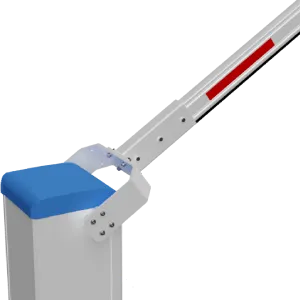
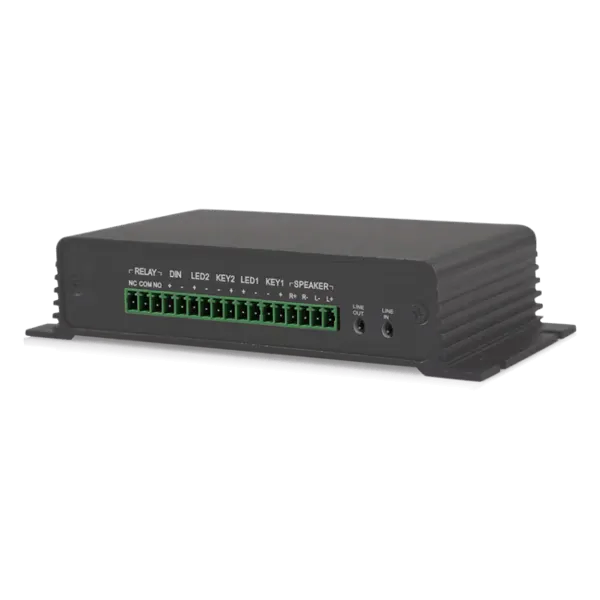
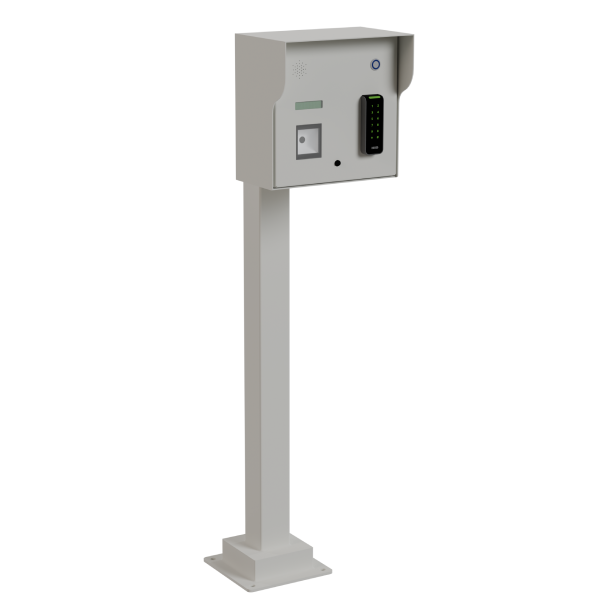
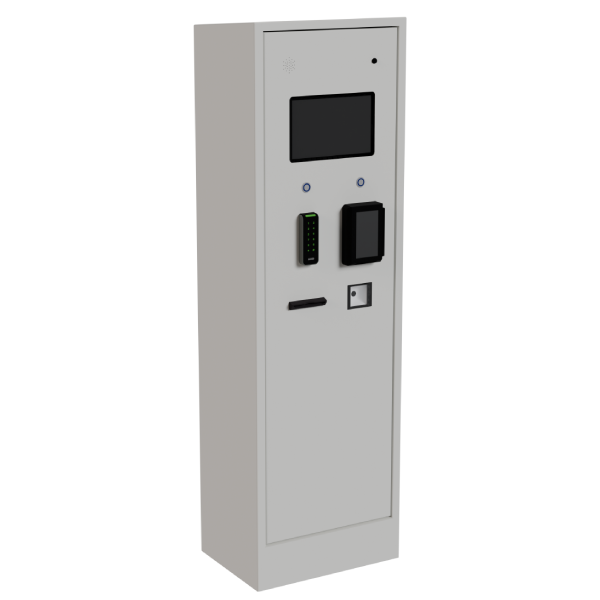
At least one device (barrier, camera, card reader, or kiosk)
Appropriate power (PoE, 12V DC, 24V DC, or 120V AC) based on device type
Cat5e or Cat6 Ethernet cable to connect device to network
Ability to create accounts and configure system settings
LEXOH Account Setup
Create and configure your LEXOH cloud account with essential settings.
Step 2.1: Create Account
- Visit cloud.lexoh.com
- Click "Sign Up" and enter your business email
- Choose your subscription plan (start with Basic for testing)
- Verify your email address
- Complete your organization profile
Step 2.2: Essential Configuration
- Site Name: Enter your facility name (appears on tickets and reports)
- Time Zone: Set your local time zone for accurate logging
- Contact Info: Add support contact details
- Basic Settings: Leave advanced settings as defaults for now
Connect Your First Device
Physically install and network-connect your first LEXOH device.
Step 3.1: Physical Installation
- Power Off: Ensure power is disconnected before installation
- Mount Device: Securely mount device at appropriate location
- Connect Power: Connect appropriate power supply (PoE, 12V DC, 24V DC, or 120V AC)
- Network Connection: Connect Ethernet cable to device and network switch
- Power On: Apply power and wait for device to boot (1-3 minutes)
Step 3.2: Network Discovery
- Check device status LEDs (should show power and network connectivity)
- Note device MAC address (usually printed on device label)
- If using DHCP, check your router for device IP address assignment
- For static IP, configure device using manufacturer's tool if available
Register & Configure Device
Add your device to the LEXOH cloud platform and configure basic settings.
Step 4.1: Device Registration
- Log in to your LEXOH dashboard
- Navigate to "Devices" → "Add Device"
- Select your device type from the catalog
- Enter device name (e.g., "Main Entrance Camera")
- Input device MAC address and IP address
- Assign to default zone (or create a new zone)
- Click "Save" and wait for device to appear online
Step 4.2: Quick Device Setup
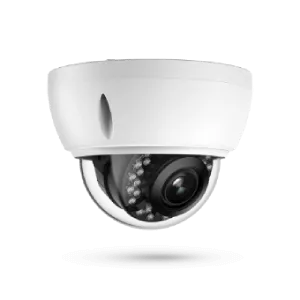
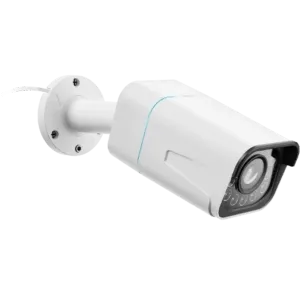
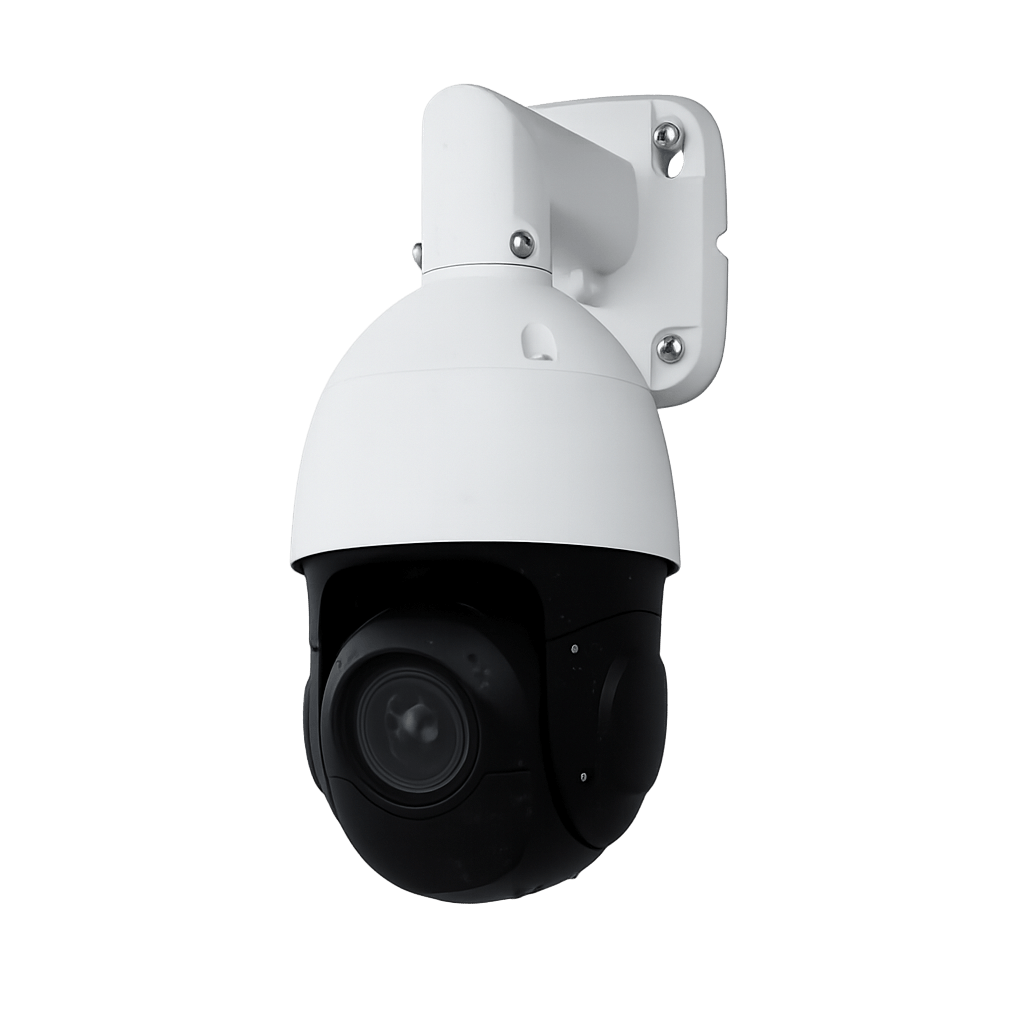
For IP Cameras:
- Set resolution to 1080p for quick setup
- Enable motion detection (default settings)
- Verify live stream appears in dashboard
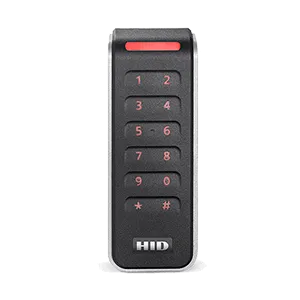
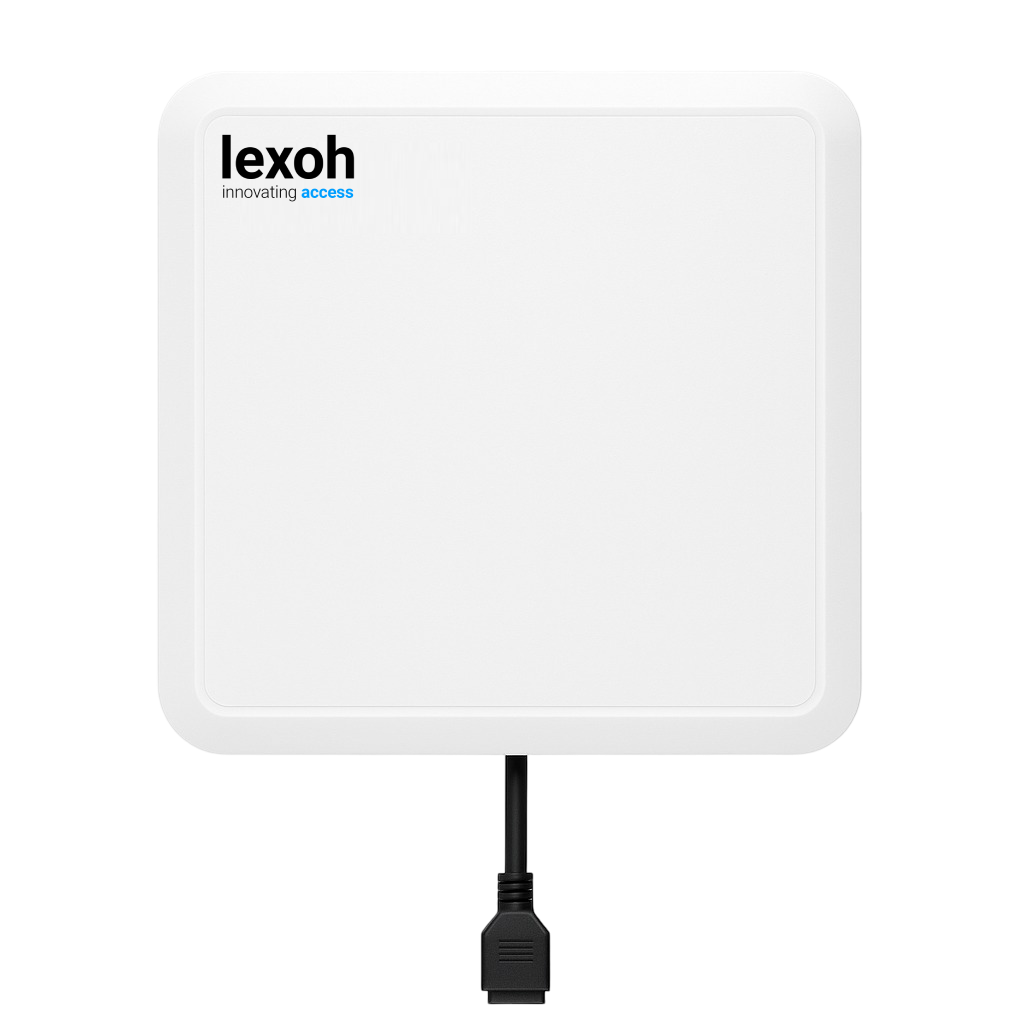
For Card Readers:
- Configure reader type (RFID, QR, etc.)
- Set device role (entry, exit, bidirectional)
- Test with a sample card or code
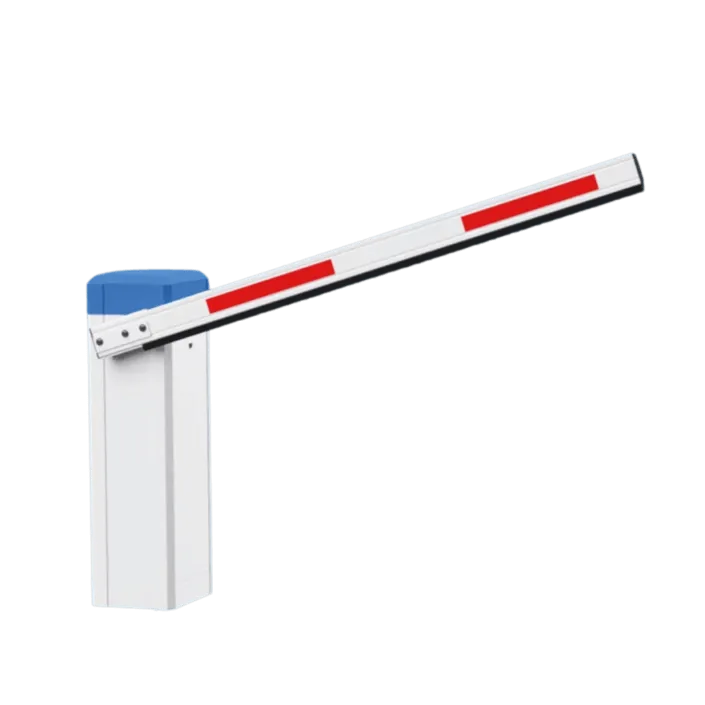
For Parking Barriers:
- Select barrier type (ELKA, Automatic Systems)
- Configure opening/closing speeds (medium setting)
- Test manual open/close from dashboard
Test Basic Functionality
Verify your device is working correctly before going live.
Essential Tests
Device Status
- ☐ Green status indicator in dashboard
- ☐ Network connectivity confirmed
- ☐ Device responds to commands
- ☐ Events appear in activity log
Device-Specific
- ☐ Camera: Live video stream
- ☐ Reader: Card detection
- ☐ Barrier: Open/close operation
- ☐ Kiosk: Touchscreen response
Go Live & Next Steps
Your LEXOH system is now operational! Here's what to do next.
Immediate Actions
- Monitor Dashboard: Keep the dashboard open for the first few hours to monitor system behavior
- Document Settings: Note your device configurations and network settings
- Test Edge Cases: Try various scenarios (power cycles, network interruptions)
- Train Users: Show key staff how to monitor the system and handle common issues
Ready to Expand?
Add More Devices
Expand your system with additional cameras, readers, or barriers
Configure Users
Set up customer access cards and administrative accounts
Advanced Features
Explore analytics, reporting, and integration options
🎉 Quick Start Complete!
Your LEXOH system is now operational. Ready to explore advanced features?