




Overview
The Device Statistics page provides comprehensive monitoring of your parking facility's hardware infrastructure, including entry/exit devices, sensors, barriers, kiosks, and access control readers. Track device health, connectivity status, and deployment across zones for proactive maintenance and system reliability. Access this page from Statistics → Devices in the main navigation.
Key Features:
- Device Inventory: Track total, active, and inactive device count
- Type Distribution: Visualize deployment by device category
- Health Status: Monitor connectivity and operational state
- Zone Assignment: View device distribution across facility areas
- Last Seen Tracking: Identify disconnected or offline devices
- Brand & Model Info: Maintain hardware inventory and warranty tracking
Dashboard Metrics
The top section displays three critical infrastructure indicators that provide instant visibility into device deployment status and system health.
Total Devices
Description: Complete count of all registered hardware in system
Icon: Blue device/computer symbol
Includes: Active, inactive, configured, and offline devices
- Represents entire hardware inventory across all zones
- Includes: Entry/exit devices, barriers, kiosks, RFID readers, cameras, sensors
- Essential for infrastructure planning and capacity assessment
- Updates when devices are added, removed, or reconfigured
- Used for warranty tracking and replacement planning
Active Devices
Description: Number of devices currently online and functional
Icon: Green checkmark/status symbol
Status: Connected, responding, and operational
- Devices with recent heartbeat or activity within threshold period
- Actively processing transactions and responding to commands
- Network connectivity confirmed and stable
- Represents operational capacity available to customers
- Should be close to total device count in healthy system
Inactive Devices
Description: Devices offline or not responding
Icon: Yellow/orange warning symbol
Status: Disconnected, unresponsive, or in error state
- No communication received within heartbeat timeout period
- May be powered off, network disconnected, or hardware failure
- Could be intentionally disabled for maintenance
- Represents lost operational capacity and potential revenue impact
- Critical entry/exit devices inactive = customers cannot access facility
| Inactive Count | Status | Action Required |
|---|---|---|
| 0 | Excellent | Continue routine monitoring |
| 1-2 | Acceptable | Investigate and restore within 24 hours |
| 3-5 | Concerning | Immediate investigation, may impact operations |
| 5+ | Critical | Emergency response, likely revenue impact |
Device Types Distribution
The donut chart visualizes your infrastructure composition by device type, showing deployment balance and helping identify coverage gaps or redundancy opportunities.
Common Device Categories
- Entrance (Cyan): Entry devices, in-gates, arrival sensors
- Exit (Purple): Exit devices, out-gates, departure sensors
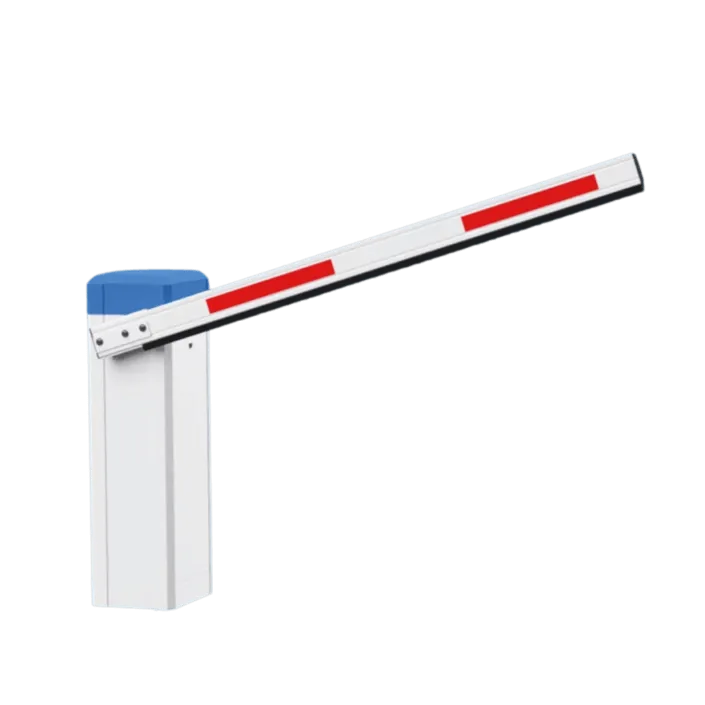
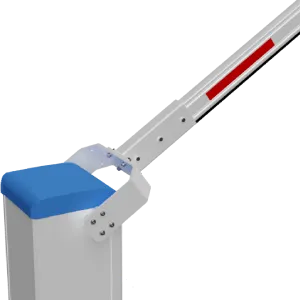
- Barrier (Orange): Physical gates, boom barriers, bollards
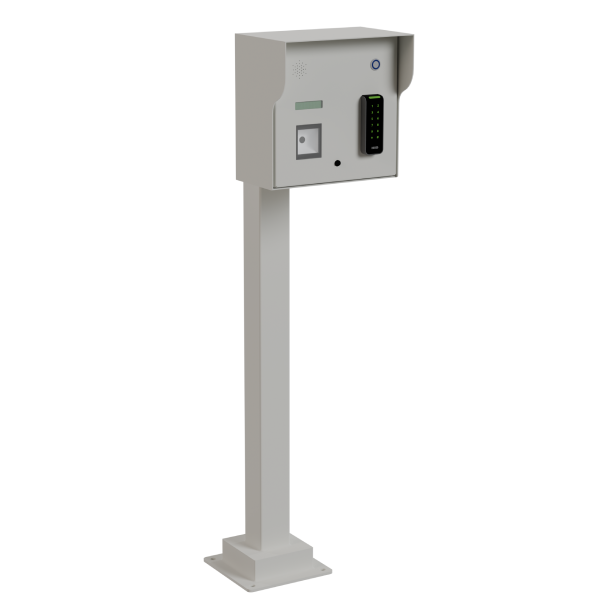
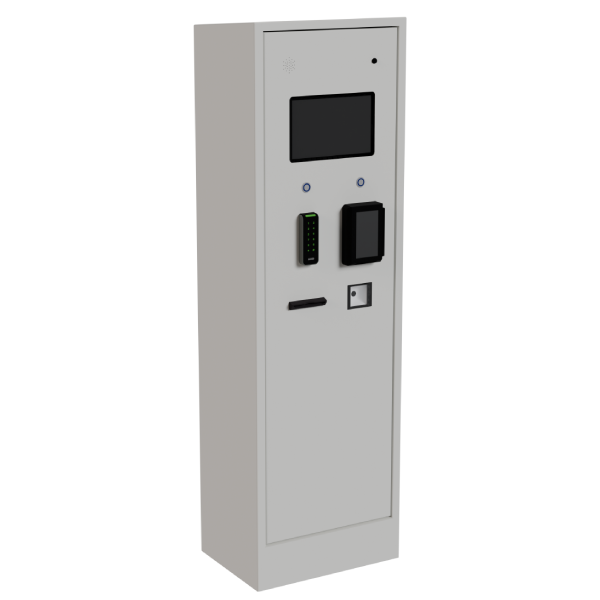
- Kiosk (Green): Payment stations, ticket dispensers, help terminals
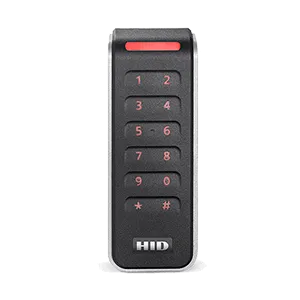
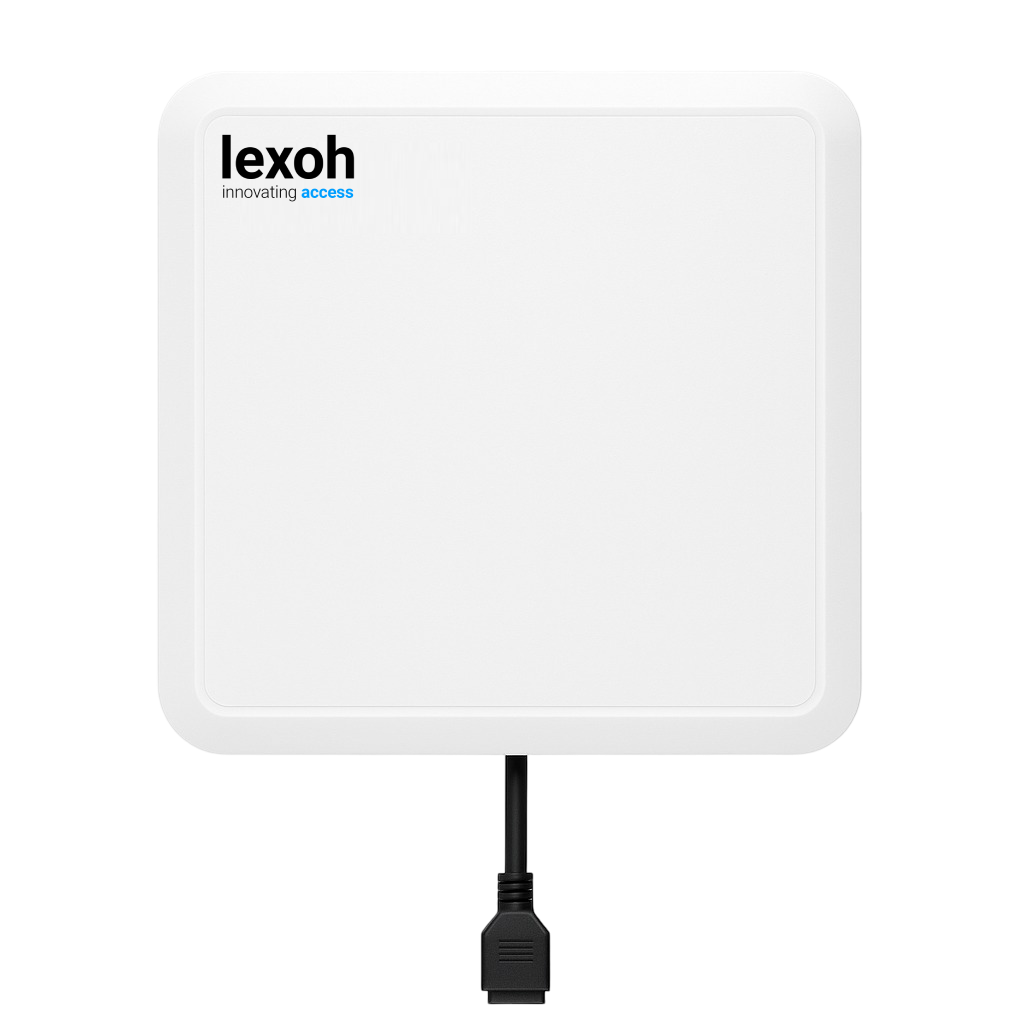
- RFID Reader (Blue): Card readers, proximity sensors, access control
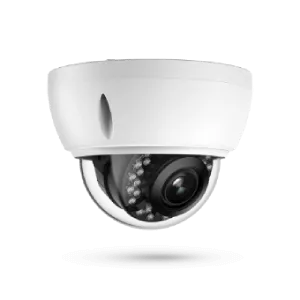
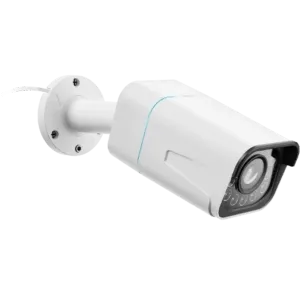
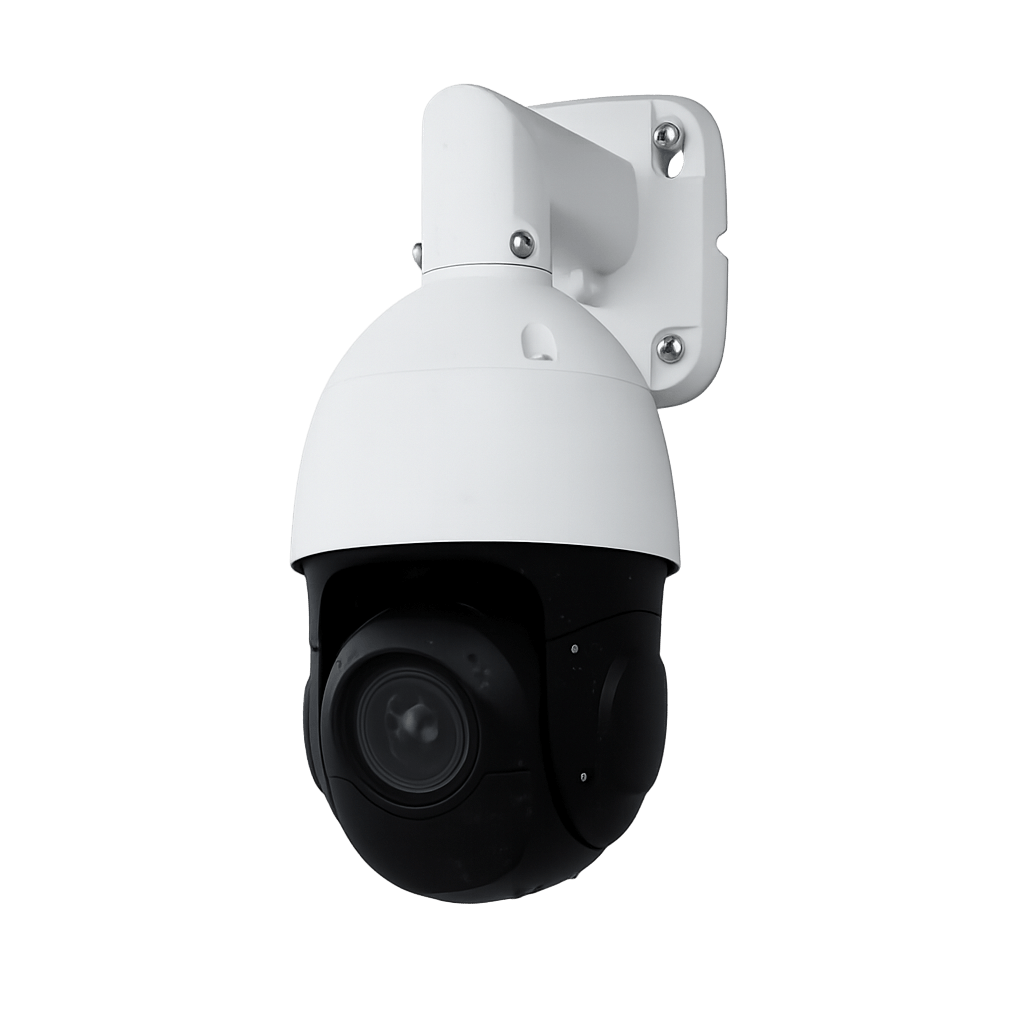
- Camera (Red): LPR cameras, security cameras, monitoring systems
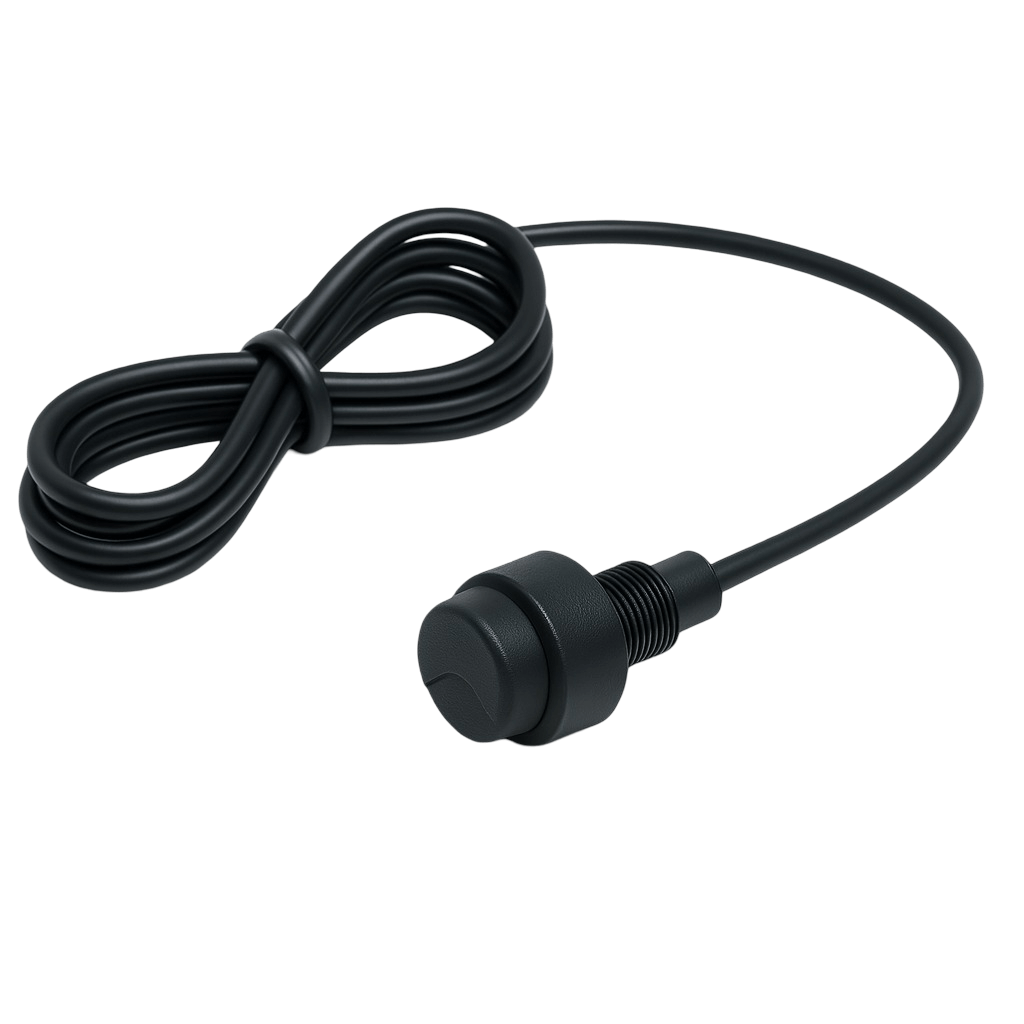
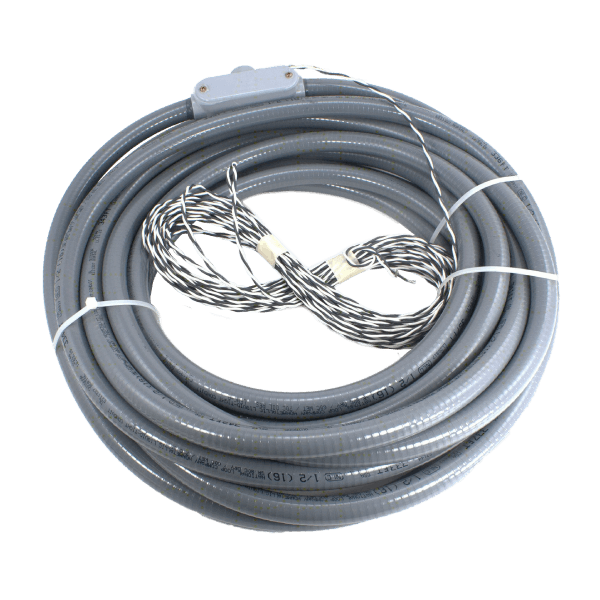
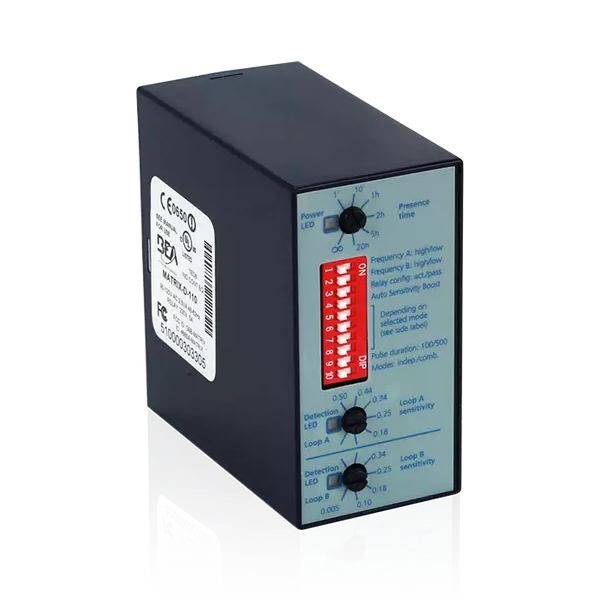
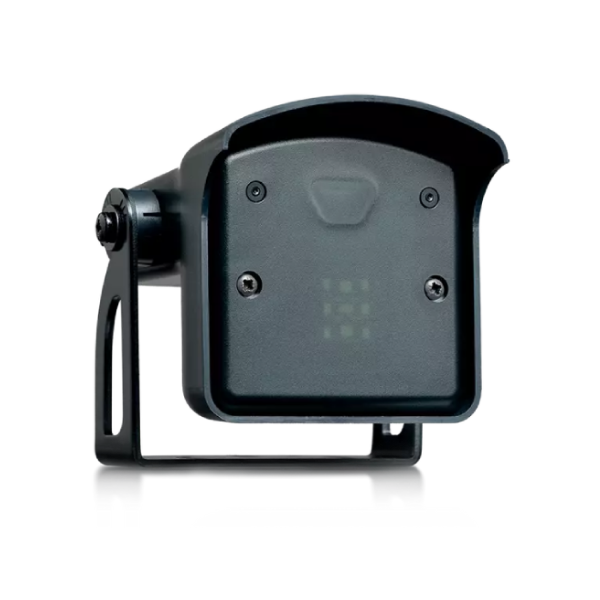
- Sensor (Gray): Occupancy sensors, vehicle detectors, loop sensors
Balanced Infrastructure Ratios
Typical device distributions for well-designed facilities:
| Device Type | Typical Ratio | Design Principle |
|---|---|---|
| Entrance : Exit | 1:1 or 1:1.5 | Equal or more exits to prevent departure queues |
| Barriers | 1 per lane | Physical access control at each entry/exit point |
| Kiosks | 1 per 100-150 spaces | Adequate payment capacity for peak times |
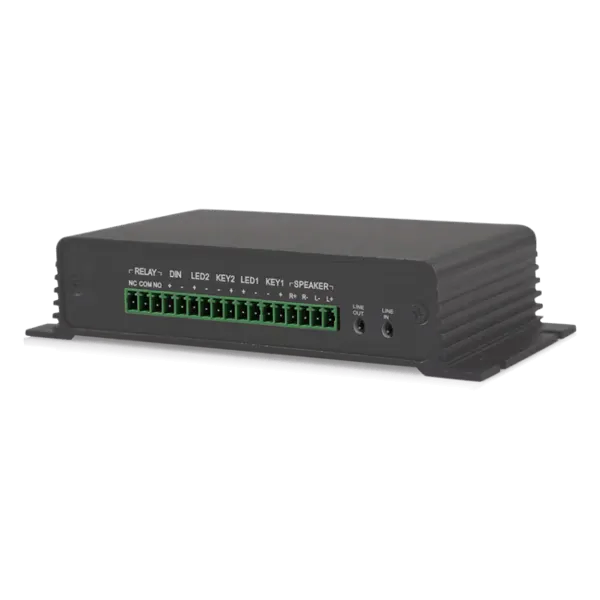
| RFID Readers | 2 per entry/exit | Primary + backup for redundancy |
| Cameras (LPR) | 1-2 per lane | License plate capture, angled for accuracy |
| Sensors | 1 per space or zone | Real-time occupancy detection |
Identifying Infrastructure Gaps
Use device type distribution to assess infrastructure completeness:
- More Entrances than Exits: May cause departure bottlenecks during peak times
- Few/No Kiosks: Payment processing bottleneck, long customer wait times
- Missing RFID Readers: Cannot support access control or permits
- No LPR Cameras: Manual tracking only, no license plate automation
- Limited Sensors: Inaccurate occupancy data, manual space counting
Recent Devices Table
The Recent Devices table displays comprehensive hardware inventory with connectivity status, deployment details, and last communication timestamp for proactive health monitoring.
Table Columns
- ID: Unique device identifier for system reference
- Name: Human-readable device name (e.g., "Main Entrance", "Exit Lane 3")
- Brand: Manufacturer name (e.g., "CAME", "BFT", "Hikvision", "Axis")
- Model: Specific hardware model number for support and parts
- Zone: Facility area or location assignment
- Type: Device category (Entrance, Exit, Barrier, Kiosk, etc.)
- Last Seen: Timestamp of most recent communication with server
Last Seen Status Interpretation
The Last Seen timestamp indicates device health and connectivity:
| Time Since Last Seen | Status | Interpretation |
|---|---|---|
| < 5 minutes | Online | Device actively communicating, fully operational |
| 5-15 minutes | Normal | Expected heartbeat delay, no concern |
| 15-60 minutes | Warning | Possible connectivity issue, monitor closely |
| 1-24 hours | Offline | Device disconnected, investigate immediately |
| > 24 hours | Critical | Extended outage, likely hardware failure or network issue |
Troubleshooting Inactive Devices
When devices show old "Last Seen" timestamps, follow this diagnostic process:
- Physical Check: Verify device has power, status LEDs, physical condition
- Network Connectivity: Test ping, check cable connections, switch ports
- IP Configuration: Verify IP address, gateway, DNS settings unchanged
- Server Connectivity: Confirm device can reach management server
- Software Status: Check for firmware crashes, error logs, updates needed
- Hardware Failure: If all above pass, likely hardware component failure
Time Period Filtering
Time filter buttons allow you to analyze device activity and health trends across different timeframes, from real-time monitoring to historical reliability analysis.
Available Time Periods
| Period | Label | Infrastructure Use Case |
|---|---|---|
| 24 Hours | 24h | Real-time health monitoring, current device status |
| 7 Days | 7d | Weekly reliability review, identify intermittent issues |
| 1 Month | 1m | Monthly uptime reporting, maintenance scheduling |
| 6 Months | 6m | Hardware lifecycle assessment, replacement planning |
| 4 Years | 4y | Long-term reliability trends, warranty analysis |
Filter Effects on Data
When you change the time filter:
- ✓ Recent Devices table filters to show devices active in period
- ✓ Can reveal devices that were active in past but now removed
- ✗ Total/Active/Inactive counts always show current status (not historical)
- ✗ Device Types distribution shows current deployment (not time-filtered)
Historical Analysis Use Cases
- Uptime Tracking: Calculate percentage of time each device was active
- Failure Patterns: Identify devices with frequent disconnections
- Maintenance Correlation: Compare device health before/after maintenance
- Vendor Assessment: Track reliability by brand and model
- Warranty Claims: Document device failures within warranty period
Infrastructure Health Monitoring
Implement proactive monitoring strategies to maintain high infrastructure availability and prevent revenue-impacting device failures.
Key Performance Indicators
- Device Uptime: (Active devices ÷ Total devices) × 100 - Target: 95%+
- Mean Time Between Failures (MTBF): Track by device type and brand
- Mean Time To Repair (MTTR): Measure from failure detection to restoration
- Critical Device Availability: Entry/exit uptime should be 99%+
- Heartbeat Regularity: Devices should check in every 1-5 minutes
Automated Alert Configuration
Set up automated alerts for immediate notification of issues:
- Immediate Alerts: Entry/exit devices offline (SMS/email to on-call tech)
- High Priority: Payment kiosks offline (15-minute delay tolerance)
- Standard Priority: Cameras or sensors offline (1-hour delay tolerance)
- Daily Summary: All inactive devices report each morning
- Weekly Report: Device uptime statistics and trending analysis
Preventive Maintenance Schedule
| Device Type | Maintenance Frequency | Key Activities |
|---|---|---|
| Barriers | Monthly | Lubrication, alignment, spring tension check |
| RFID Readers | Quarterly | Antenna cleaning, read distance verification |
| Kiosks | Weekly | Cash collection, receipt paper, screen cleaning |
| Cameras (LPR) | Monthly | Lens cleaning, alignment check, accuracy test |
| Sensors | Bi-annually | Calibration, battery check (if wireless) |
Best Practices
Implement these infrastructure management strategies to maximize device uptime, reduce maintenance costs, and ensure seamless facility operations.
Daily Health Monitoring
- ✅ Check device dashboard every morning before facility opens
- ✅ Verify all critical entry/exit devices show recent "Last Seen" timestamps
- ✅ Investigate any inactive devices immediately - prioritize by criticality
- ✅ Test one random device per day for heartbeat and response
- ✅ Review overnight alerts and anomalies from automated monitoring
Redundancy & Failover Planning
- ✅ Deploy redundant entry/exit lanes - never single point of failure
- ✅ Maintain spare devices on-site for critical components (readers, controllers)
- ✅ Configure backup power (UPS, generator) for all devices
- ✅ Implement failover networking with redundant switches/routers
- ✅ Have emergency manual operation procedures for barrier failures
Inventory & Lifecycle Management
- ✅ Maintain detailed asset register with purchase dates and warranties
- ✅ Track device reliability by brand/model for future procurement
- ✅ Plan device replacement at 70-80% of expected lifecycle
- ✅ Stock spare parts for critical high-wear components (barrier springs, etc.)
- ✅ Document all configurations and network settings for disaster recovery
Vendor & Support Management
- ✅ Maintain service contracts for mission-critical devices
- ✅ Establish SLA targets: < 4 hours for entry/exit, < 24 hours for others
- ✅ Keep vendor contact list updated with 24/7 emergency numbers
- ✅ Schedule quarterly vendor health checks and preventive maintenance
- ✅ Track vendor response times and escalate poor performance
Device Infrastructure Optimized!
Your device monitoring system is configured. Explore related hardware and system management features.